🎉 Anniversary Sale – Triple Screen Laptop Extender, Portable 3-Screen Monitor Setup for Multitasking, Remote Work & Travel
🎉 Anniversary Sale – Triple Screen Laptop Extender, Portable 3-Screen Monitor Setup for Multitasking, Remote Work & Travel


Couldn't load pickup availability
-
Ordered
- - -
Order Ready
- - -
Delivered

🎉 Anniversary Sale – Triple Screen Laptop Extender, Portable 3-Screen Monitor Setup for Multitasking, Remote Work & Travel
More Screens.
More Possibilities.
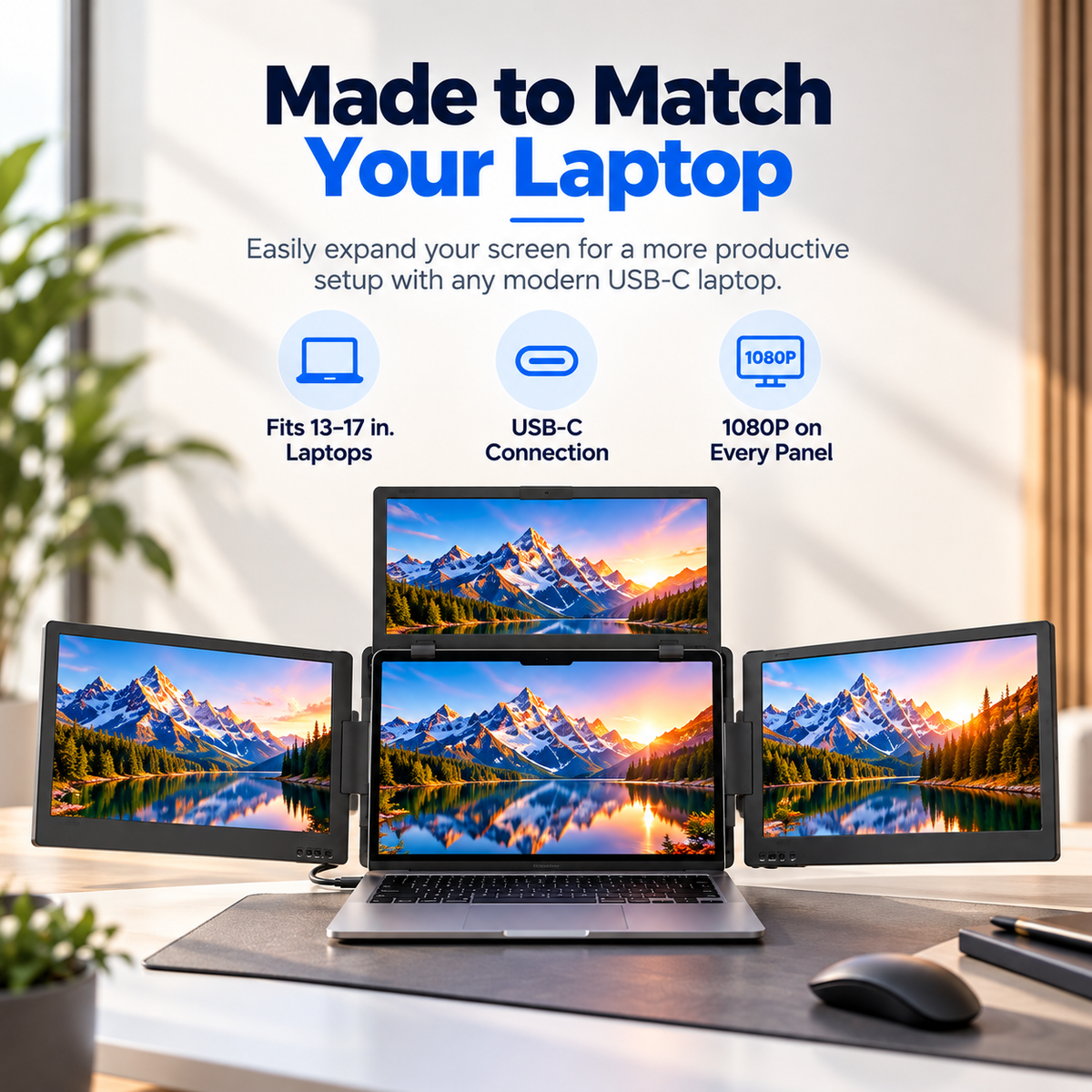
Turn your compatible laptop into a versatile multi-screen workstation. Keep projects, references, and everyday tasks in view with a portable triple-display setup designed for the way you work.

Keep Every Task
Within Reach.
Give your workflow more breathing room. Keep a document open on one screen, reference material on another, and your main project front and center. Spend less time rearranging windows and more time getting things done.

Find Your Best Viewing Angle.
Adapt the screen arrangement to your task. Create a wide workspace for multitasking, reposition the panels for collaborative viewing, or use portrait orientation when working with long documents and vertical content.

Thoughtful Details.
Flexible Setup.
The folding multi-panel construction and adjustable hinges let you configure your screens around your laptop. A compatible connection keeps the setup streamlined, while the foldable structure helps make storage simpler when work is done.

From Your Desk
to Your Next Destination.
Keep your familiar multi-screen workflow close at hand. The foldable design makes it easier to pack up your display setup and move between your home office, shared workspace, and other compatible work locations.

Know Your Setup Before You Choose.
Review the display specifications and system requirements to help determine whether this multi-screen extender fits your laptop.
Display Specifications
| Display Configuration | Three 14-inch displays |
| Resolution | 1920 × 1080 Full HD per display |
| Aspect Ratio | 16:9 |
| Brightness | 320 nits |
| Contrast Ratio | 1500:1 |
| Panel Technology | IPS LED, matte finish |
| Color Support | 16.7 million colors, 99% sRGB (as specified) |
| Refresh Rate | 65 Hz (as specified) |
Compatibility & Connectivity
| Recommended Laptop Size | 12–16 inches |
| Connection | USB-C; USB 3.0 may be supported depending on configuration |
| Operating Systems | Windows 7.1–11, macOS, supported Ubuntu versions, Android 8.0 and above |
| Required Software | SM77X software |
Set Up in Four Steps.
Follow the setup process to arrange your displays and prepare your workspace for everyday use.
-
1
Position the Extender
Place the unit securely on a stable work surface.
-
2
Unfold the Panels
Open the screens and adjust the hinges to your preferred arrangement.
-
3
Connect Your Laptop
Use a supported connection and install the required software if necessary.
-
4
Arrange Your Displays
Configure screen placement in your operating system's display settings.
Make Space for Your Best Work.
A wider view for busy days. A flexible setup for changing tasks. More room to bring your ideas together.
🔒 Order with Confidence
🔒 Order with Confidence
✅30-Day Money Back Guarantee — no risk trying it.
🚚Free shipping available. Orders processed within 24–48 hours.
🔐Secure & encrypted checkout with trusted payment providers.